
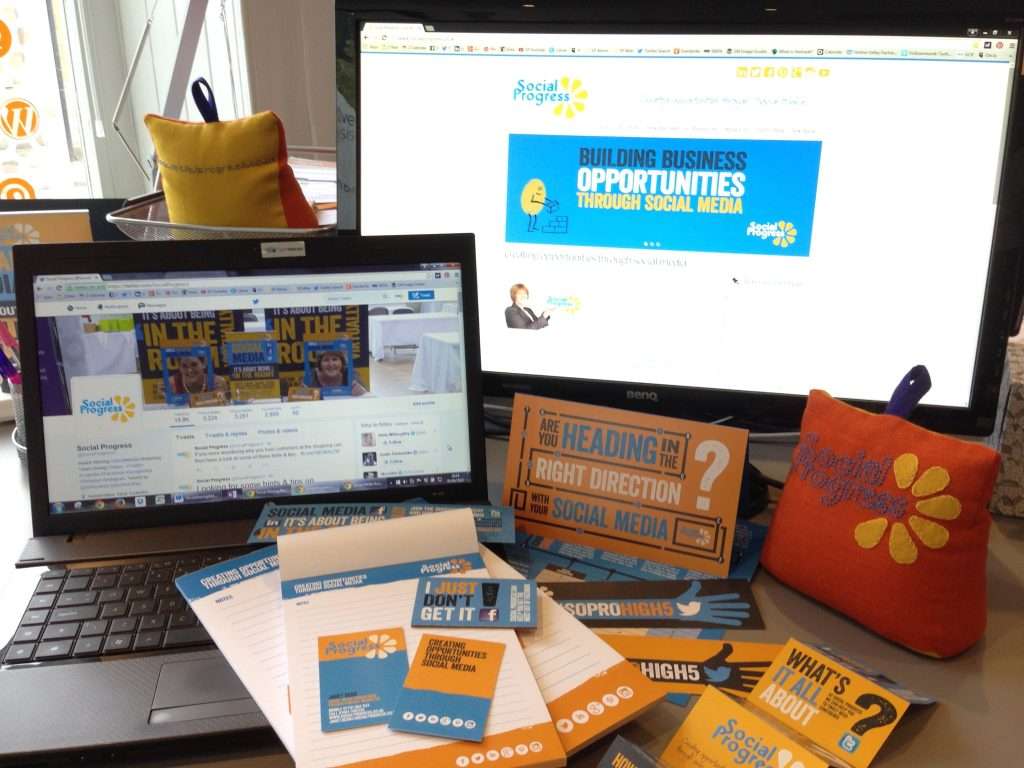
Top Tips for Simple Social Media Branding:
- Continuity is Key! – People are looking for you! Can they easily identify you? Translate your branding across your social media platforms.
- Keep it tidy – knowing dimensions means you’re more aware of the space you have to work with – take advantage of it! And try avoid pixelated/fuzzy photos! They look unprofessional and messy – does that reflect your company correctly?
- Colour scheme – If your branding/colour scheme is blue and green, on the whole, stick to it across the board. Be proud of your branding! See our social media for examples of how to be creative with your branding online – we use a lot of yellow and blue!
Below this post is a basic breakdown of the dimensions for each of the main social media platforms. You may require a graphic designer if you’d like professional graphics done or you can use your existing artwork or, as said above, relevant photos… The choice is yours.
If you don’t have a “brand” it might be worth finding a graphic designer to start you off with a logo and go from there. Did you know we work alongside a variety of associates? So if you require a Graphic Designer, Web Developer, CRM Expert or anyone else, do let us know and we will happily recommend top quality businesses and individuals to you. Just ask!
Social Media Branding Dimensions 2015 (*UPDATED FOR 2025*)
Profile Pic: 320 x 320 pixels (can use up to 2048×2048)
Cover Photo: 851 x 315 pixels (note: space where profile pic goes will be blocked from view)
Post Photos: 1200 pixels / 630 pixels is best used for landscape images, 1080 x 1350 is recommended for portrait images, and 1200 x 1200 for square images.
While 1200 x 630 pixels is a good starting point, Facebook will resize images in the feed to a maximum width of 504 pixels
_______________________________________________________________
X
Profile Pic: 400 x 400 pixels (scales down to 200 x 200) square
Cover Photo: 1500 x 500 pixels (not as tall as Facebook!)
X Photos: 1200 x 675 pixels (landscape) or 1080 x 1080 (square)
- In-stream images: These are smaller images users can view directly in their feeds and don’t expand when clicked. The width is typically 1200 pixels, and heights around 600-700 pixels often look best.
- X (Twitter) Cards: X Developer and website cards have specific image requirements, including image size and aspect ratio, like the X (Twitter) card image size for summary cards with large images (280 x 150 pixels) and the recommended size of 800 x 418 pixels.
_______________________________________________________________
LinkedIn User Profile (Individual)
Profile Pic: 400 x 400 pixels square
Background: 1584 x 396 pixels – this is the wider, thinner banner right at the top (partly covered by the profile box though!)
Post Upload Dimensions: 1200 x 627 or 1080 x 1080 (sqaure)
_______________________________________________________________
Linked In Company Page
Tiny Logo: 300 x 300 pixels (tiny logo in top left corner of company page feed)
*Cover Photo: 1128 x 191 pixels*
_______________________________________________________________
Pinterest Profile Page
Profile Pic: 280 x 280 pixels (square)
Cover Photo: 800 x 450 pixels
Pinned Pics: 1000 x 1500 (minimum width no longer than 600 pixels)
_______________________________________________________________
Instagram Profile Page
Profile Picture: 320 x 320
Image Upload: 1080 x 1350
Reel: 1080 x 1920
Stories: 1080 x 1920
_______________________________________________________________
Youtube Channel Page (Desktop)
Profile pic: 800 x 800 pixels
Banner/Cover: 2560 x 1440 pixels
Video Upload: 1920 x 1080
YouTube Shorts Upload: 1080 x 1920
_______________________________________________________________
With 91% of internet users owning a smartphone it’s important to remember that all social media platforms are now mobile responsive! With this the platforms will have a slightly (or very) different layout on a device compared to a desktop. The above dimensions are for desktop versions and may look different on mobile devices.
We hope this post has been useful for you and will help you kick-start your branding on social media. The digital world develops and changes constantly so please note that these dimensions are as we are aware of them now. If they change we will update this blog asap. If you spot any changes first do let us know!
——-
Are you on social media? Do get connected and say hello to us on Facebook, LinkedIn, Pinterest & Instagram. We’d love to hear from you! #SoProHigh5!